
Table plan maker
Wedding table plan maker: plan every table in one place
Plan your wedding tables online: lay out the room to scale, seat guests by dragging or automatically, and print a table plan that matches your stationery. Start free, no sign-up needed.
No account needed. Free up to 100 guests.
Top table, rounds or banquet
Start from a layout for your guest count, then move, add and resize tables to match your venue.
Your rules, kept
"Keep the uni friends together. Nan near the door." Each rule is shown back to you to check before anything moves.
Caterer-ready
Download a caterer report with dietary needs by table, and share a view-only link with the venue.
How it works
- 01
Guests
Paste your list, import a spreadsheet, or bring it over from Zola, The Knot or Joy. Couples and families are split and grouped for you.
- 02
Room
Start from a layout for your guest count, or draw your venue: round, long and top tables, the dance floor, the bar.
- 03
Seat
Add the rules that matter: who sits together, who doesn't, who's near the front. Everyone is seated in seconds, each with a reason.
- 04
Design
Choose a style and the plan becomes a seating board, escort cards, place cards and table numbers that all match.
- 05
Share
Send the caterer their report, share a view-only link with the venue, and give guests a QR code to find their seat.
Then make it beautiful
See all 14 styles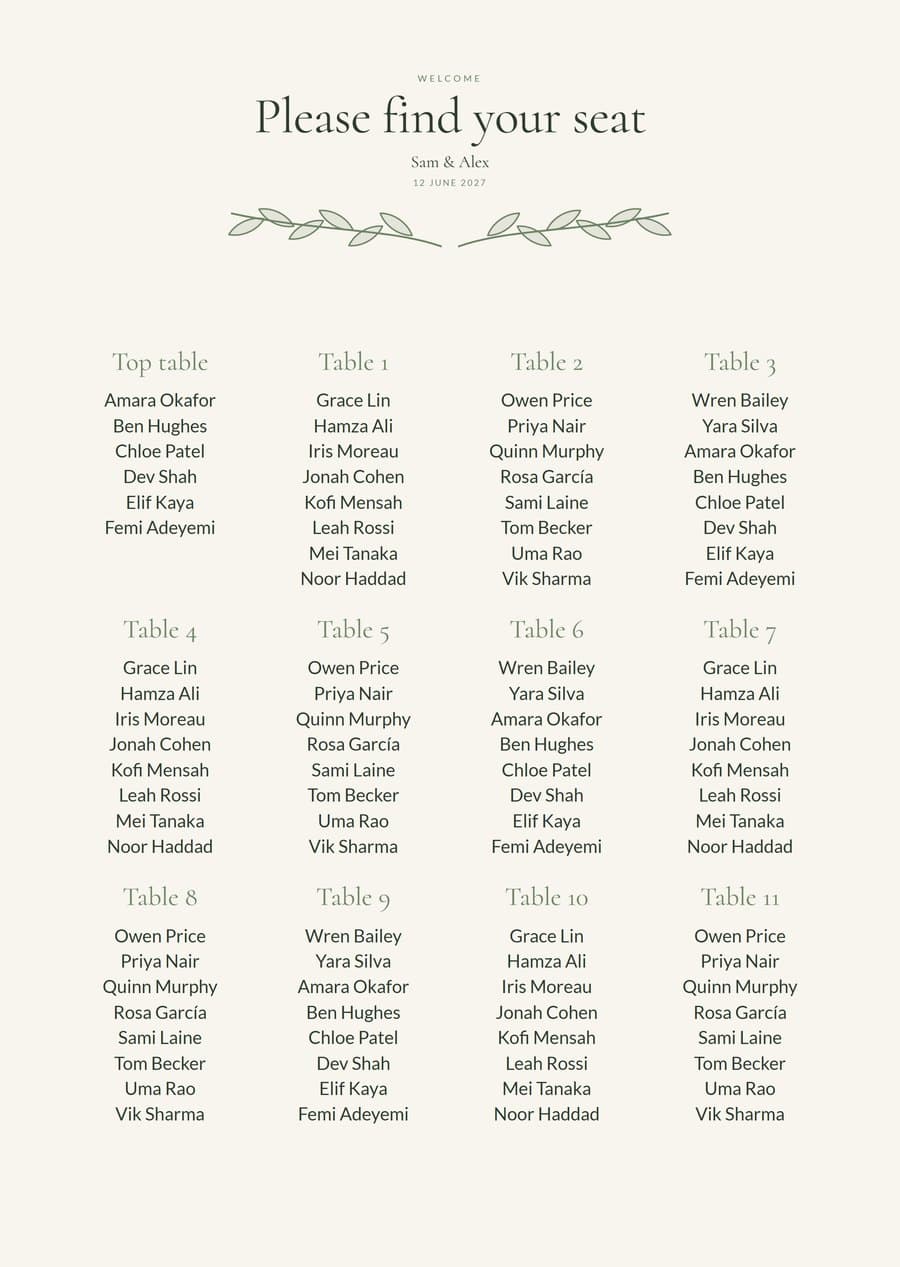
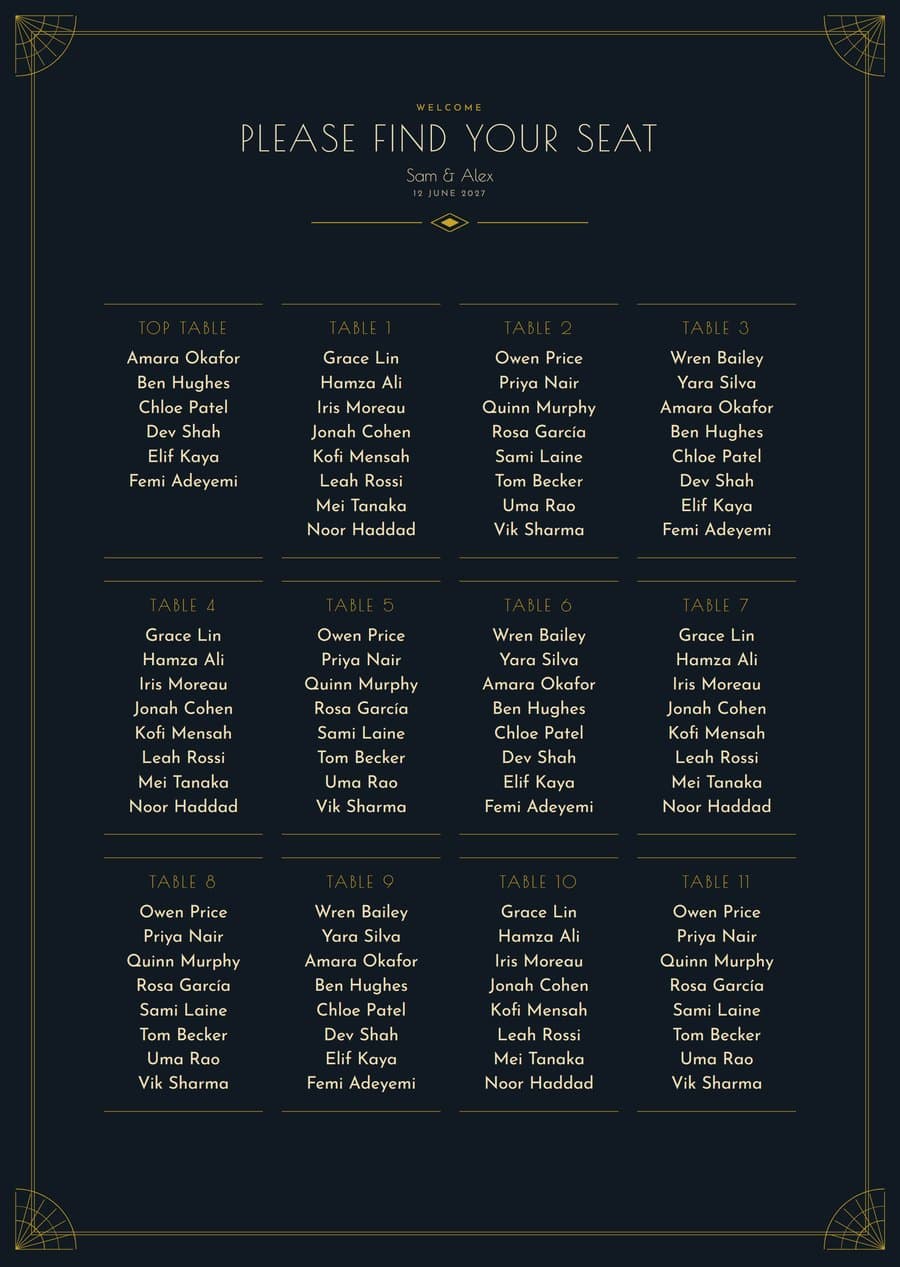
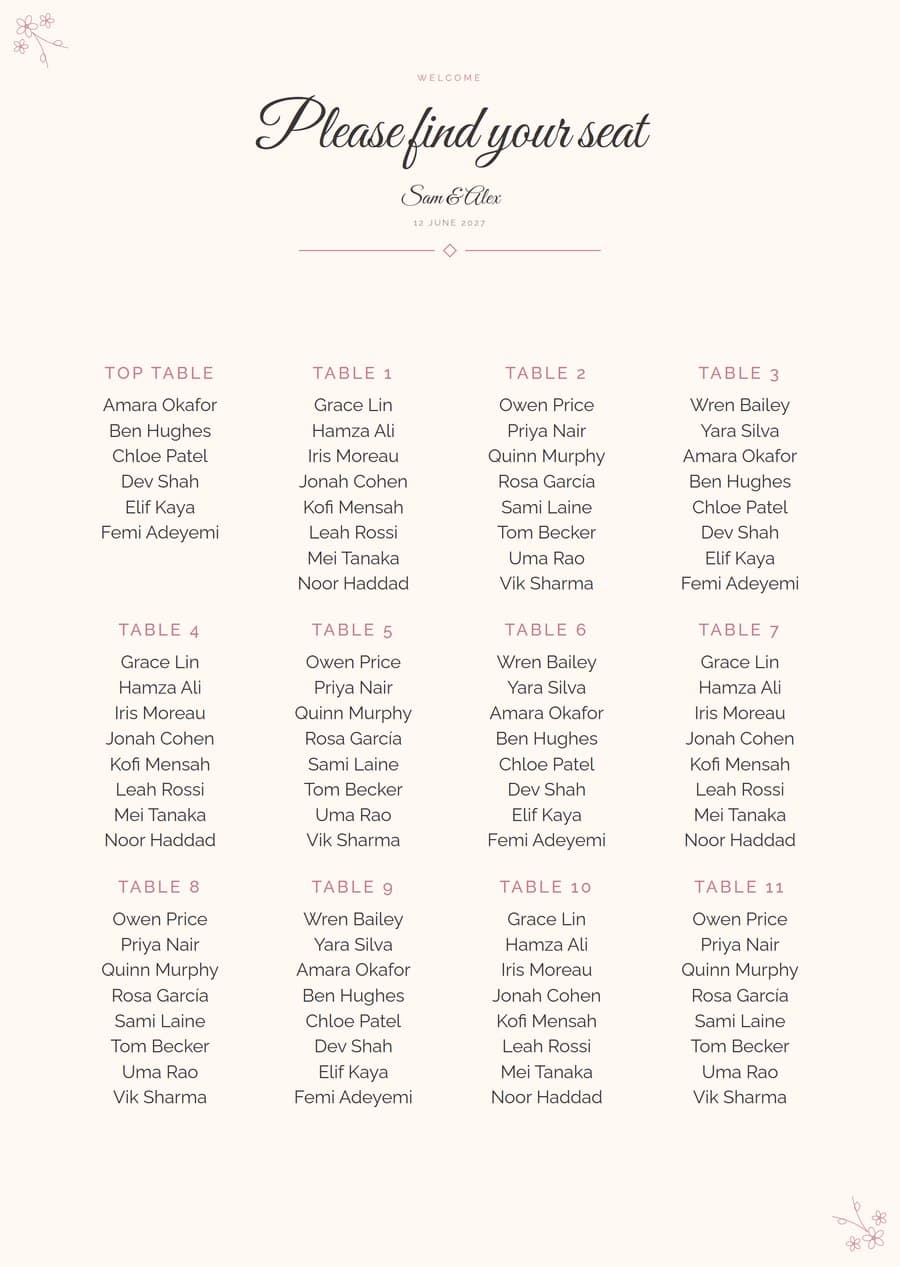
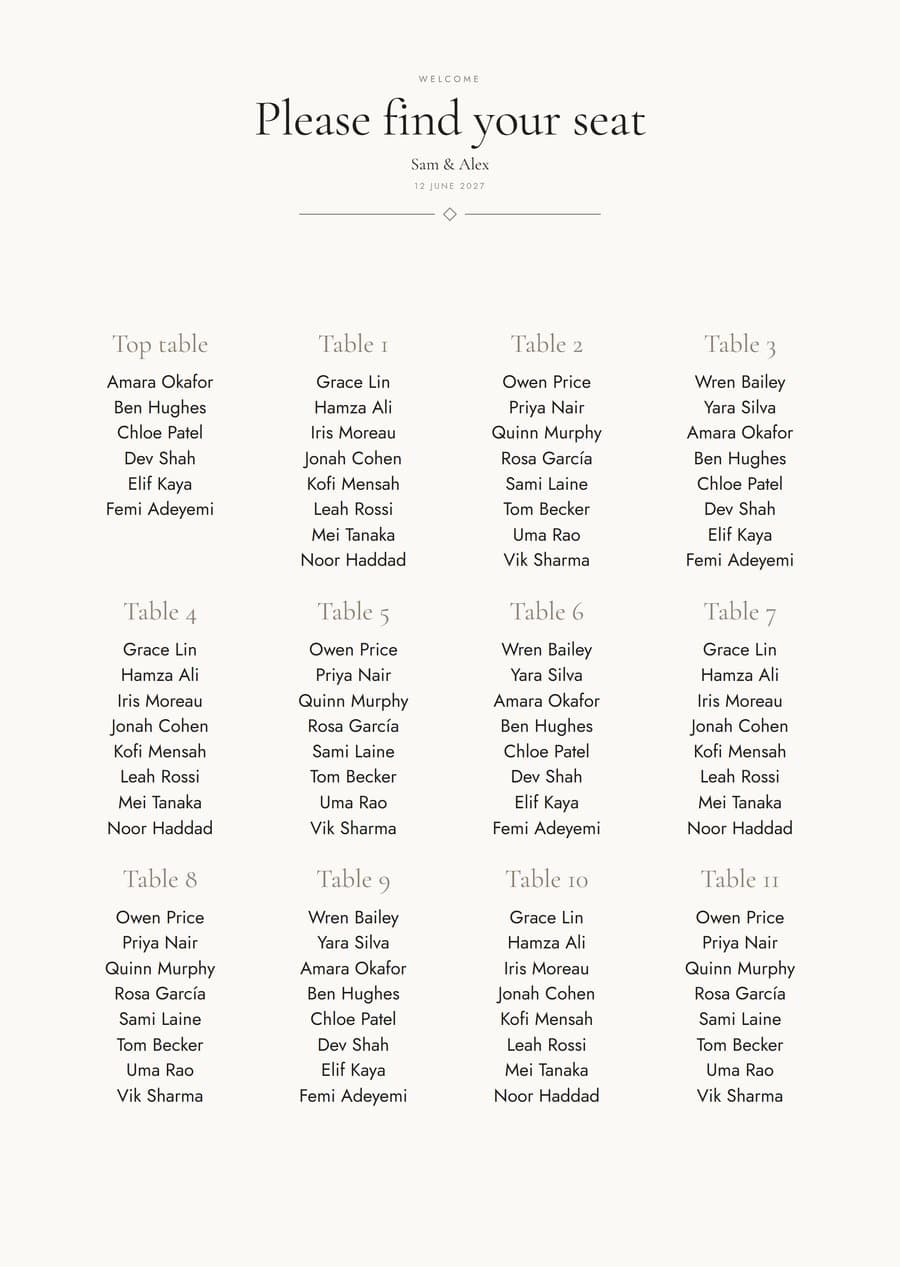
Questions
What's the difference between a table plan and a seating chart?
Nothing, really: 'table plan' is the usual British term, 'seating chart' the American one. Both show who sits at which table.
Can I print my table plan?
Yes. Download a simple PDF for free, or a designed board, escort cards and table numbers with Studio.