
Getting started
Work faster with keyboard shortcuts
Updated October 30, 2026
You can also open the list from the account menu: choose Keyboard shortcuts. It's there on larger screens, where you're most likely to have a keyboard. On a Mac, Alt is the Option key.
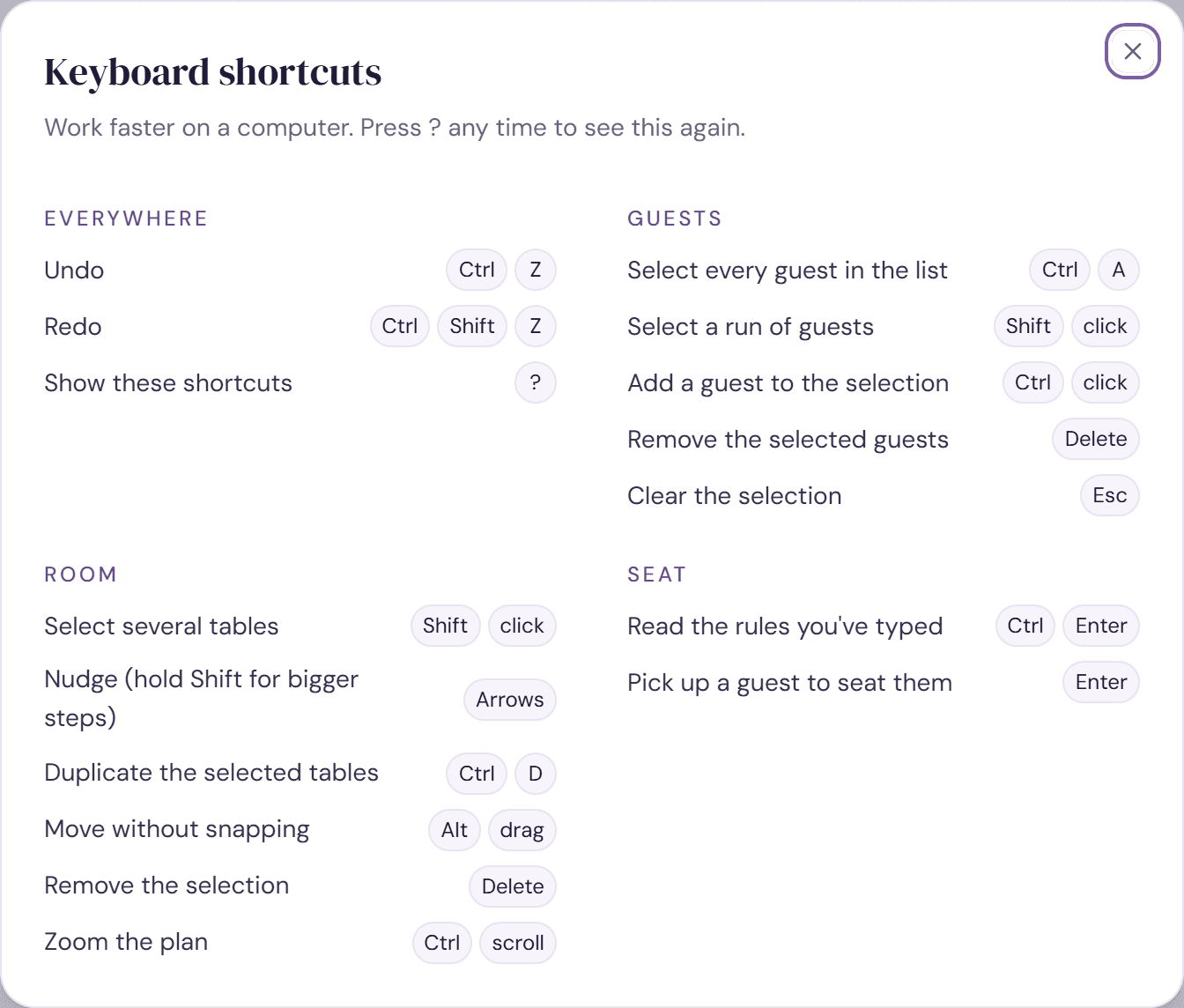
Everywhere
- Ctrl+Z: undo.
- Ctrl+Shift+Z or Ctrl+Y: redo.
- ?: show the shortcuts.
Guests
- Ctrl+A: select every guest in the list, meaning the ones your search and filters show.
- Shift-click: select a run of guests.
- Ctrl-click: add a guest to the selection.
- Delete or Backspace: remove the selected guests. The message that follows offers Undo.
- Esc: clear the selection.
Room
- Shift-click: select several tables.
- Arrow keys: nudge what's selected. Hold Shift for bigger steps.
- Ctrl+D: duplicate the selected tables.
- Alt-drag: move without snapping.
- Delete or Backspace: remove the selection.
- Esc: clear the selection, or close the 3D view.
- Ctrl-scroll: zoom the plan. Scrolling on its own moves around the room.
Seat
- Ctrl+Enter: read the rules you've typed in the rules box.
- Enter on a guest in the list: pick them up, then choose a table for them.
Try it on a sample planThe demo opens the Room step with guests already added. Nothing you do there is saved.
Open the demoWas this helpful?