
Sharing and the seat finder
Download the caterer report
Updated October 30, 2026With Event Pass, Studio and Pro
The caterer report gives your caterer what the kitchen and serving team need, one table at a time.
- Open the Share step.
- Under Downloads, find Caterer report and select PDF.
- Send the file to your caterer, or print it.
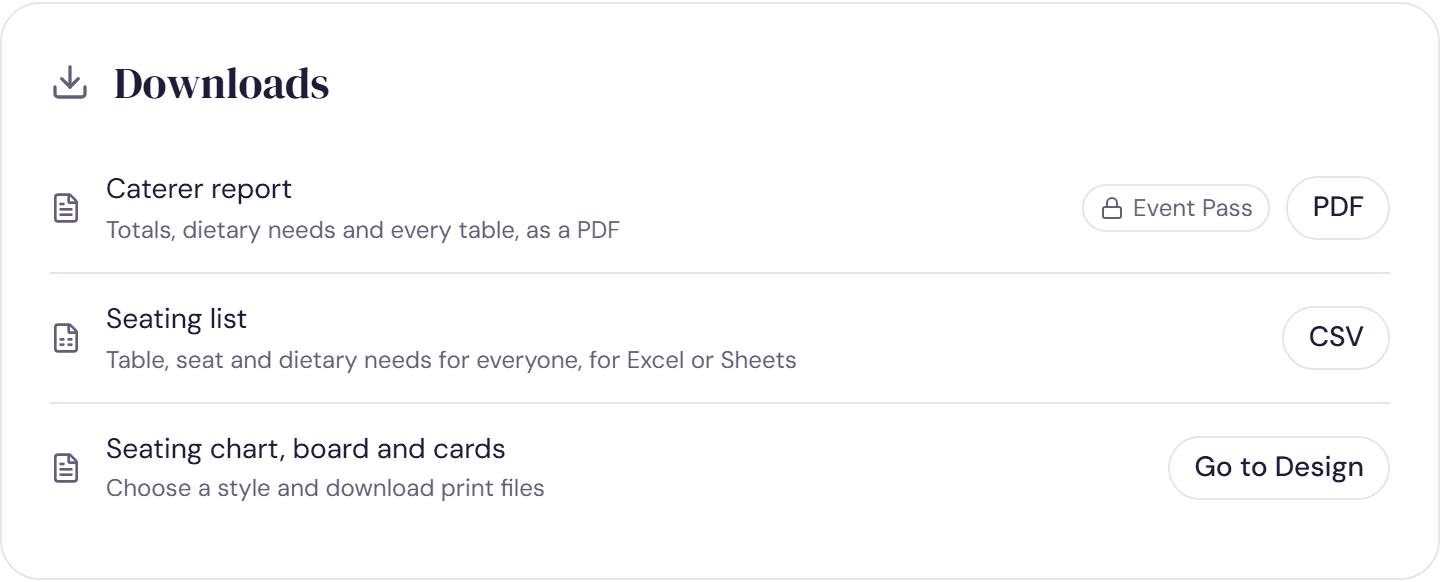
We save your latest changes before making the report, so it matches what's on screen. If they can't be saved, on a poor connection for example, you'll see a message instead of an out-of-date file.
What's in it
- Your names, the date of your event and the date the report was prepared.
- Totals for guests, adults, children and tables.
- Meals: how many of each choice, and how many guests haven't chosen yet. This section appears once you've recorded meals.
- Dietary needs: a count of each one.
- By table: each table with its guest count and dietary needs, then every guest by seat number with their meal, dietary needs, any access needs and a tag for children.
- Not yet seated: anyone without a table, so nobody is missed.
Guests who declined are left out of every count.
Before you send it
- Record meal choices and dietary needs on the Guests step. See Meals and dietary needs.
- Seat everyone, so the not yet seated list is empty.
- Download a fresh copy after late changes. The file doesn't update itself, but the view-only link does.
Which plan you need
The caterer report comes with the Event Pass and Studio. When a planner or venue runs the plan with Pro, the report says it was prepared by their business.
Try it on a sample planThe demo opens the Share step with guests already added. Nothing you do there is saved.
Open the demoWas this helpful?